
Essential Factors to Consider When Choosing a Camera System for Home or Business
- Chris Dudley

- May 25
- 4 min read
Choosing the right camera system can feel overwhelming with so many options available today. Whether you want to protect your home or monitor a business, the right setup depends on several important factors. This guide breaks down what you need to know to make a clear, confident decision.

Define the Purpose of Your Camera System
Start by identifying why you need a camera system. The purpose shapes every other choice you make.
Security: Protecting property from theft, vandalism, or unauthorized access.
Monitoring: Keeping an eye on employees, customers, or children.
Remote Viewing: Checking in on your property from anywhere using a smartphone or computer.
Evidence Collection: Capturing clear footage that can be used in investigations or legal cases.
Knowing your primary goal helps narrow down the features and types of cameras that will work best.
Understand Types of Cameras
Camera systems come in various forms. Choosing between wired and wireless, indoor and outdoor cameras depends on your environment and needs.
Wired vs. Wireless Cameras
Wired Cameras
- Provide a stable connection with less interference.
- Require professional installation and running cables through walls or ceilings.
- Often preferred for larger properties or businesses needing reliable, continuous surveillance.
Wireless Cameras
- Easier to install and relocate.
- Depend on Wi-Fi, which can be less reliable if the signal is weak.
- Ideal for renters, small homes, or temporary setups.
Indoor vs. Outdoor Cameras
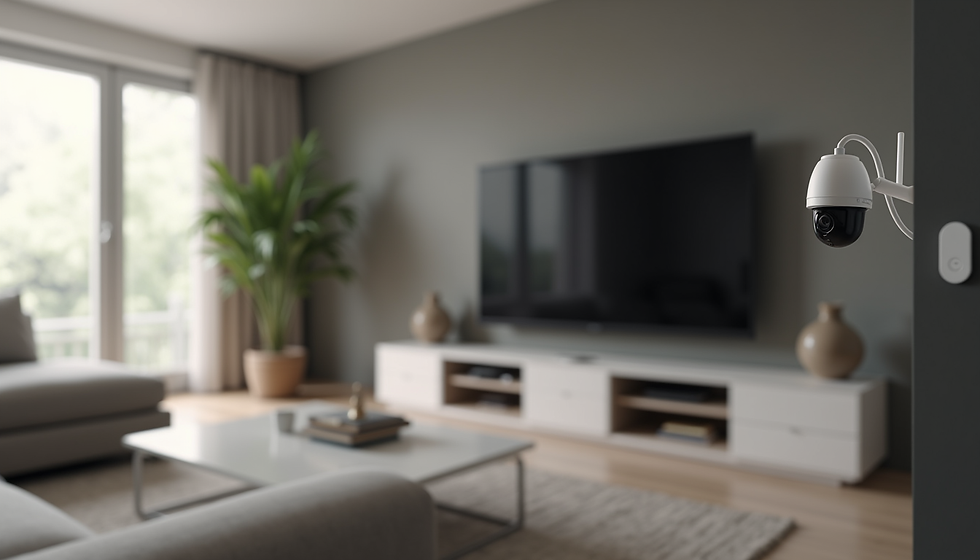
Indoor Cameras
- Designed for monitoring inside spaces.
- Usually smaller and less weather-resistant.
- Can have features like two-way audio for communication.
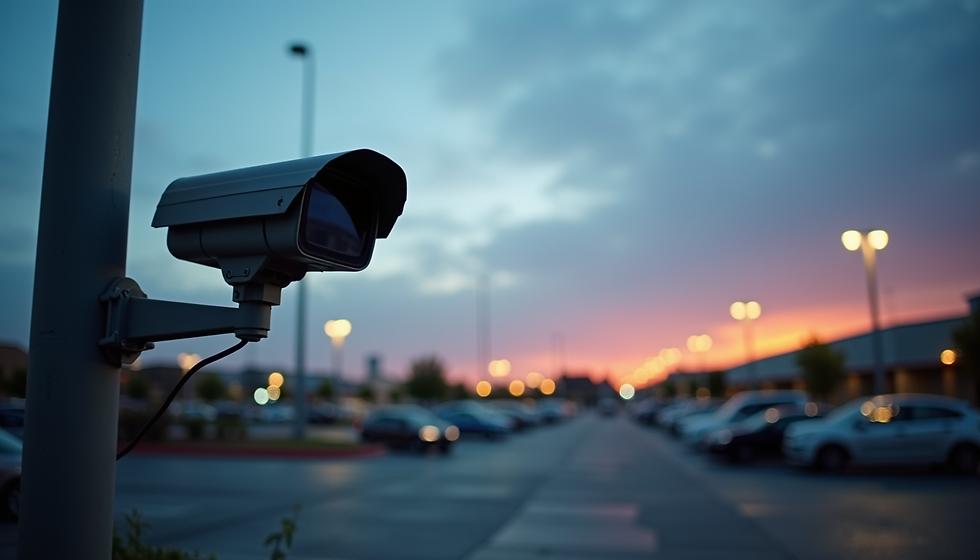
Outdoor Cameras
- Built to withstand weather conditions like rain, snow, and extreme temperatures.
- Often include night vision and motion detection.
- Placed at entry points, driveways, or parking lots.
Resolution and Image Quality Matter
The clarity of your footage is crucial, especially if you need to identify faces or license plates.
Resolution Options
- 720p (HD): Basic quality, suitable for general monitoring.
- 1080p (Full HD): Clear images, good balance of quality and storage.
- 4K (Ultra HD): Very high detail, best for large areas or critical security needs.
Frame Rate
- Higher frame rates (30 fps or more) provide smoother video, useful for capturing fast movement.
Night Vision
- Infrared or color night vision ensures visibility in low light or darkness.
Storage Options: Cloud vs. Local
Decide how you want to store your footage. Each option has pros and cons.
Cloud Storage
- Stores videos on remote servers accessible via the internet.
- Offers off-site backup, protecting footage if cameras are damaged or stolen.
- Usually requires a subscription fee.
- Easy to access and share footage remotely.
Local Storage
- Saves footage on devices like DVRs, NVRs, or SD cards.
- No ongoing fees, but risk of losing footage if the device is damaged or stolen.
- May require more technical setup and maintenance.
Some systems offer hybrid options combining both methods.
Budget Considerations
Camera systems vary widely in price. Set a budget that fits your needs without sacrificing essential features.
Entry-Level Systems
- Basic cameras with standard resolution and limited features.
- Suitable for small homes or simple monitoring.
Mid-Range Systems
- Better image quality, more cameras, and advanced features like motion alerts.
- Good for most homes and small businesses.
High-End Systems
- High resolution, extensive coverage, professional installation, and advanced analytics.
- Ideal for large businesses or critical security needs.
Remember to factor in installation costs, subscription fees for cloud storage, and potential upgrades.
Tips for Assessing Your Specific Needs
Map Your Property
Identify key areas to monitor such as entrances, driveways, cash registers, or storage rooms.
Consider Lighting Conditions
Areas with poor lighting require cameras with strong night vision.
Check Wi-Fi Strength
For wireless cameras, ensure your network can support multiple devices without lag.
Think About Privacy
Avoid placing cameras where privacy laws or personal boundaries could be violated.
Plan for Expansion
Choose systems that allow adding more cameras as your needs grow.
Recommendations for Popular Camera Brands
Here are some trusted brands known for quality and reliability:
Arlo
- Known for wireless, easy-to-install cameras with good cloud storage options.
- Suitable for home users wanting flexibility.
Ring
- Offers doorbell cameras and full security systems with strong app integration.
- Great for home security and remote monitoring.
Hikvision
- Provides wired and wireless cameras with high resolution and professional features.
- Popular choice for businesses.
Nest (Google)
- Smart cameras with AI features like person detection and facial recognition.
- Integrates well with other smart home devices.
Swann
- Offers a wide range of wired and wireless cameras with local and cloud storage.
- Good for both home and business use.
Summary
Choosing the right camera system requires clear understanding of your purpose, environment, and budget. Focus on the type of cameras that fit your space, the image quality you need, and how you want to store your footage. Assess your property carefully and consider future needs. Trusted brands like Arlo, Ring, and Hikvision offer reliable options for various situations.
Taking time to evaluate these factors will help you select a camera system that provides peace of mind and effective monitoring for your home or business.

Comments