
Solving Connectivity Challenges With a Wireless Point-to-Point Bridge: How We Delivered Full-Property WiFi Coverage for a 55,000 Sq. Ft. Facility
- Chris Dudley

- Dec 8, 2025
- 2 min read

When an IT manager reaches out because a detached repair shop has lost network connectivity, the root cause isn’t always obvious. That was the case during a recent WiFi installation project at a commercial facility with a sprawling 55,000 square-foot yard. The repair shop—located across the lot from the main office—relied on a single network line for communication, cameras, and daily operations. But when our team arrived onsite, we discovered that the existing CAT6 line running between buildings was defective.
Rather than leaving the client offline or delaying the project, we engineered an immediate solution: installing a wireless point-to-point bridge to deliver a reliable, high-speed connection across the yard.
Diagnosing the Problem: A Failed Underground Line
The customer originally believed the repair shop was fully wired and ready for expansion. However, after testing the CAT6 cable running from the shop to the main office, we found that the line had failed and could not support data transmission.
To cover the gap, we:
Replaced RJ45 connectors on the CAT6 cable to verify whether the issue was with the terminations
Tested for connectivity to confirm the cable’s integrity
Determined the line was still defective even after re-termination
This meant the only practical option—without trenching a new conduit—was to establish a wireless connection.
Deploying a Wireless Point-to-Point Bridge
To restore connectivity immediately and maintain long-term reliability, we installed a wireless point-to-point bridge between the main office and the detached repair shop.
This bridge delivers the same performance as a physical cable run, allowing the customer to avoid expensive infrastructure work while gaining a fast, stable network backbone.
Upgrading the Network Infrastructure
With the bridge in place, we proceeded with the customer's planned upgrades, including:
🔹 Install New Switch and Cloud Gateway
We mounted a weatherproof enclosure, installed the new switch and cloud gateway, and made all necessary network connections to support the expanded system.
🔹 Install Multiple Access Points (U7 Pro)
Using the customer's existing, tested cabling, we installed several U7 Pro access points, providing robust indoor coverage throughout the facility.A scissor lift supplied by the customer made installation fast and safe.
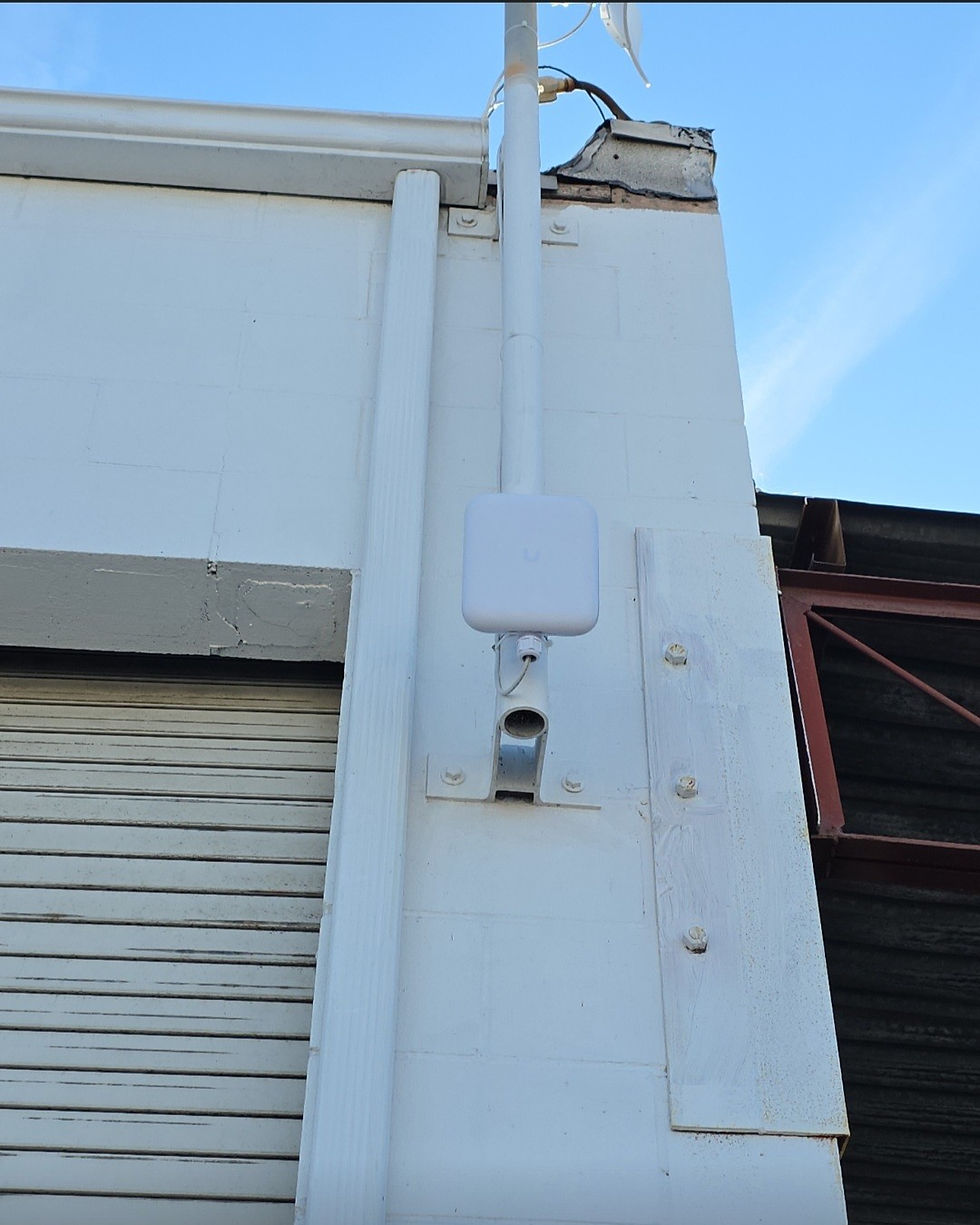
🔹 Add Outdoor WiFi for Yard-Wide Coverage
To ensure strong WiFi throughout the entire 55,000 sq. ft. yard, we:
Ran a new CAT6 cable from the switch to the front of the repair shop
Installed a U7 Pro Outdoor access point
Used the customer’s lift to mount the device at an optimal height
This completed the full property coverage solution—main office, repair shop, and outdoor space.
The Result: Reliable, Full-Coverage WiFi Across the Entire Property

What started as a suspected wiring issue turned into a complete connectivity overhaul. The combination of a wireless bridge, professional WiFi installation, and upgraded infrastructure delivered:
A fast, reliable connection between buildings
Seamless WiFi across offices, the repair shop, and the entire yard
Increased productivity and improved network reliability
A scalable foundation for future technology expansions
For the customer’s IT manager, the solution was transformative—no trenching, no long delays, and no compromise on performance.



Comments